
MagicLight: review, pricing and alternatives
What is MagicLight AI?
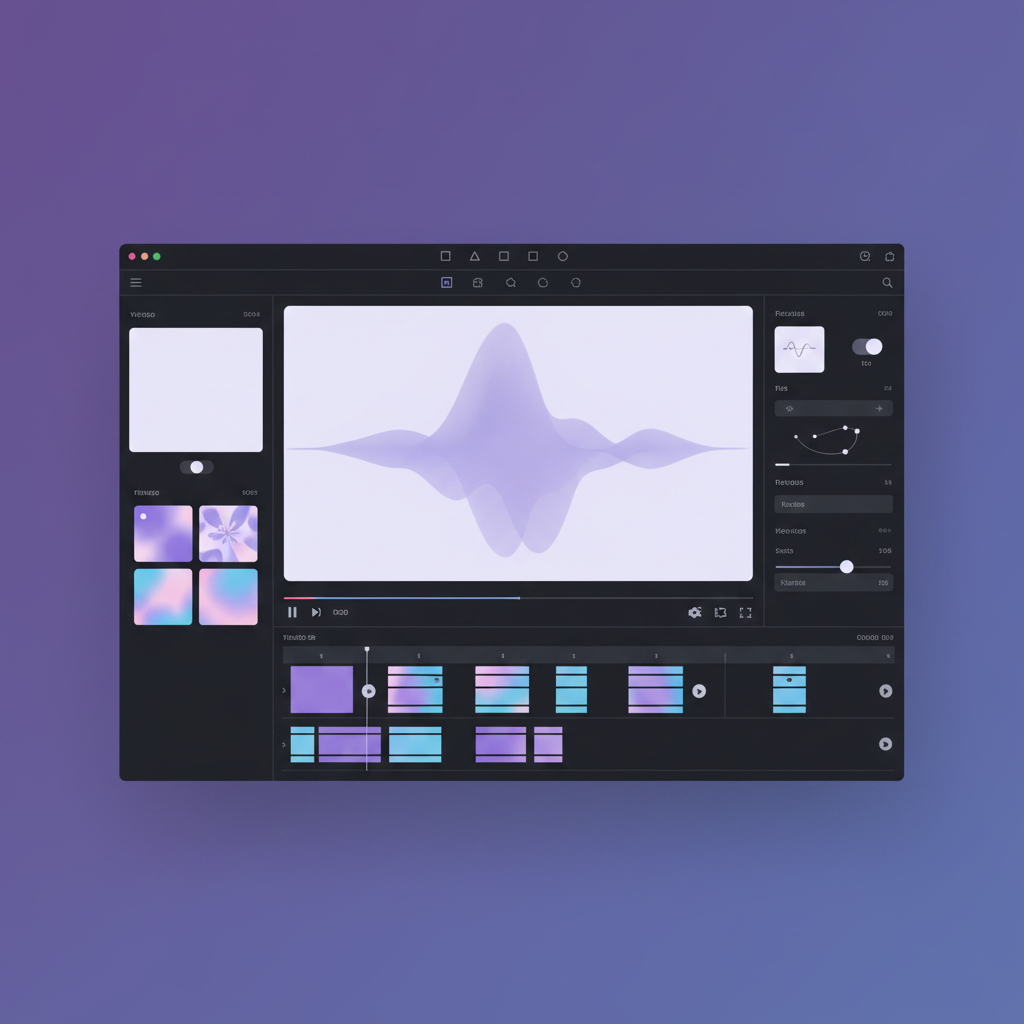
When I first encountered MagicLight AI, I was immediately intrigued by its promise: an all-in-one AI video generator designed to transform simple text or scripts into compelling long-form videos. Launched around 2023, it quickly positioned itself in the burgeoning market of AI-powered content creation tools, aiming to democratize video production for a wide audience. Its core function is remarkably straightforward yet powerful: you input your ideas, stories, or scripts, and MagicLight AI takes over, generating animated video content.
At its heart, MagicLight AI is a text-to-video maker and editor, but it goes beyond just basic scene generation. It focuses heavily on creating narrative-driven content, making it particularly appealing for storytellers and educators. The platform boasts the ability to produce videos with consistent characters, a crucial feature for maintaining narrative flow in longer pieces. What truly sets it apart from many early AI video tools is its capacity for extended content, with the ability to generate videos that can run for up to 30 to 50 minutes.
For someone like me, who's always looking for ways to streamline content creation without sacrificing quality, MagicLight AI presented itself as a potential game-changer. It's not just about creating short clips; it's about enabling users to produce substantial, engaging video content from scratch, often with minimal traditional video editing expertise required.
Key Features of MagicLight AI
Diving into MagicLight AI, I found a suite of features that genuinely impressed me, particularly its focus on creating cohesive, narrative-driven content. The standout capability is undoubtedly its commitment to consistent characters. You can upload photos to create an ultra-consistent character profile, and the AI engine then syncs every line of voice with dynamic lips and expressions. This means real-time voice, captions, and lip movement, all powered by AI, aiming for polished results without those 'uncanny valley' glitches often seen in less sophisticated tools. It's a huge step towards professional-looking animated content.
Beyond character consistency, MagicLight AI offers what it calls 'director-level controls.' While it might not replicate the granular control of traditional pro software, it allows you to fine-tune camera angles, lighting cues, and transitions. You can add boom-style motion effects, cinematic zooms, and even achieve Luma-like depth, all within an intuitive interface. This means you can control the pace and visual style of your video without needing extensive professional skills, which is a big win for solo creators or small teams.
The platform also integrates an AI Image Maker & Photo Studio. This built-in tool lets you design scenes, characters, and environments, generating rich visuals using AI art capabilities that seamlessly integrate into motion. You can transition from AI image to video, picture to animation, and photo to video workflows, with a choice of over 20 styles inspired by popular tools like PixVerse, Sora, and Luma. What truly stands out, however, is the remarkable video length capacity—MagicLight AI can generate complete AI videos ranging from 30 minutes, and some sources even suggest up to 50 minutes, which is quite impressive for AI-generated content. Additionally, it supports multi-language output, offering more than 10 languages and over 30 emotional voiceovers, making it versatile for a global audience.
How MagicLight AI Works: Getting Started
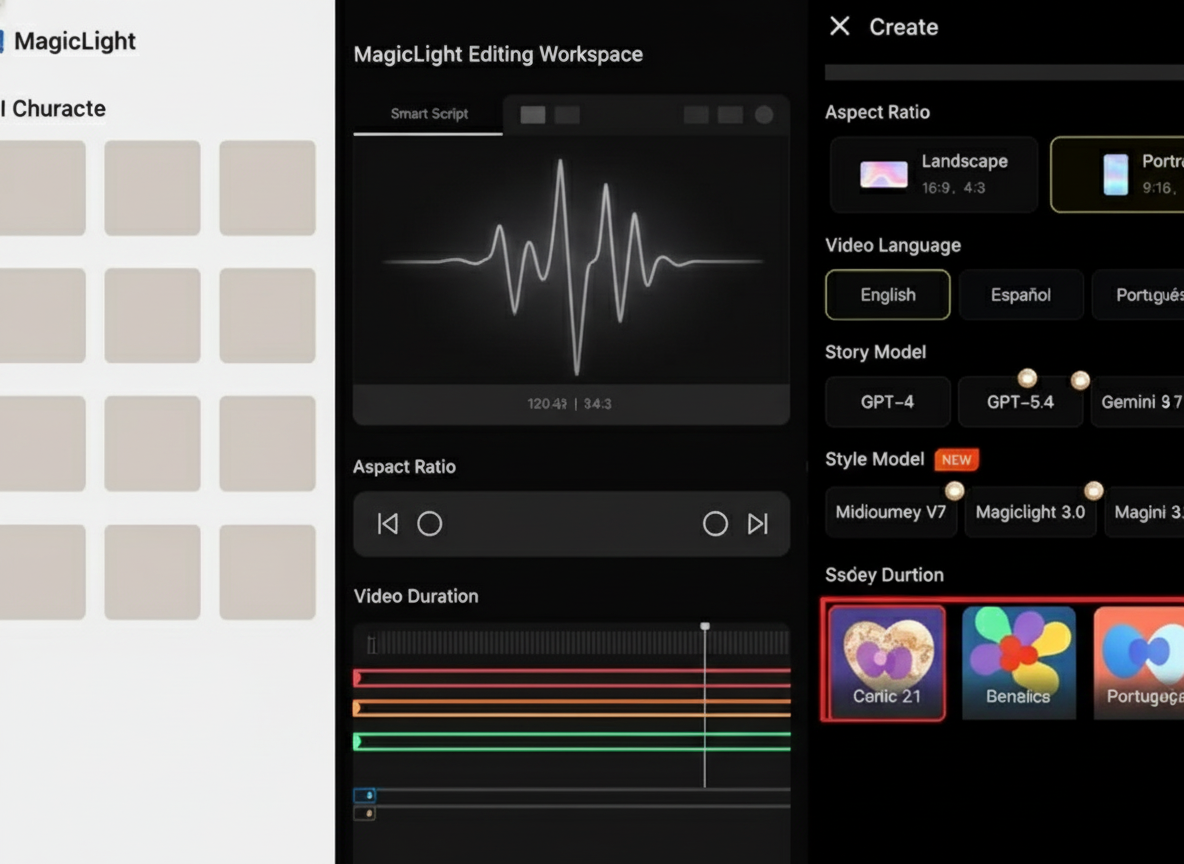
Getting started with MagicLight AI felt refreshingly straightforward, especially for someone who isn't a seasoned video editor. The platform prides itself on being beginner-friendly, and I can attest to that. The initial setup is simple: you sign up, and if you choose the free plan, you can begin experimenting almost immediately without needing a credit card. This low barrier to entry is a huge plus, allowing you to get a feel for the tool before committing financially.
The core workflow revolves around converting your ideas or scripts into video. You essentially start by inputting your script, story, or even just a concept. MagicLight AI then takes this text and automatically begins the process of transforming it into a full video experience. It handles the heavy lifting of generating scenes, characters, and animations based on your input. While some marketing suggests a 'one-click' creation, my experience indicates it's more nuanced than that.
While the initial generation might be quick, achieving a polished, ready-to-publish video often requires engagement with its editing tools. The platform provides an intuitive interface for this, allowing you to make adjustments to camera angles, character expressions, and pacing. So, while the initial video draft is generated with remarkable speed, the real work—and where the 'time-consuming editing' often mentioned by users comes in—is in fine-tuning those details to align perfectly with your vision. It's a balance between AI automation and human refinement, making it accessible for beginners to get a draft, but offering enough controls for those who want to perfect their output.
MagicLight AI Pricing and Plans
When it comes to pricing, MagicLight AI operates on a credit-based system, which is common among generative AI tools. This means your usage is tied to a certain number of credits, which are consumed as you generate videos, especially longer or more complex ones. While specific plan names weren't always explicitly highlighted in my research, the general consensus points to a tiered structure with prices ranging from approximately $8 to $30 per month, depending on the level of features and credits you need.
What I found particularly appealing is the availability of a free plan. This isn't just a restricted demo; it genuinely allows you to try out the platform and generate videos. My research indicated that even videos produced with the free plan can be of 'very high quality' and 'neat, ready to use on any platform.' However, it's reasonable to expect limitations with the free tier, such as shorter video lengths, watermarks, or fewer available features and character styles compared to paid subscriptions. This credit-based model means that if you're a heavy user or plan to produce many long-form videos, you'll likely need to subscribe to one of the higher tiers to avoid running out of credits.
The pricing structure seems designed to cater to various users, from casual experimenters to more dedicated content creators. For those just starting out or needing occasional video generation, the lower tiers or even the free plan might suffice. But for professionals aiming for consistent, high-volume output without restrictions, investing in a mid-to-high-tier plan would be a necessity. It’s important to carefully consider your anticipated usage to choose the plan that offers the best value for your specific needs.
| Plan | Price (Approx. Monthly) | Best for |
|---|---|---|
| Free Plan | $0 | Experimenting, short personal projects, testing quality. |
| Starter/Basic Tier | $8 - $15 | Individual creators, occasional use, shorter videos. |
| Pro/Business Tier | $20 - $30 | Frequent users, long-form content, advanced features, higher credit allowance. |
MagicLight AI: Pros and Cons
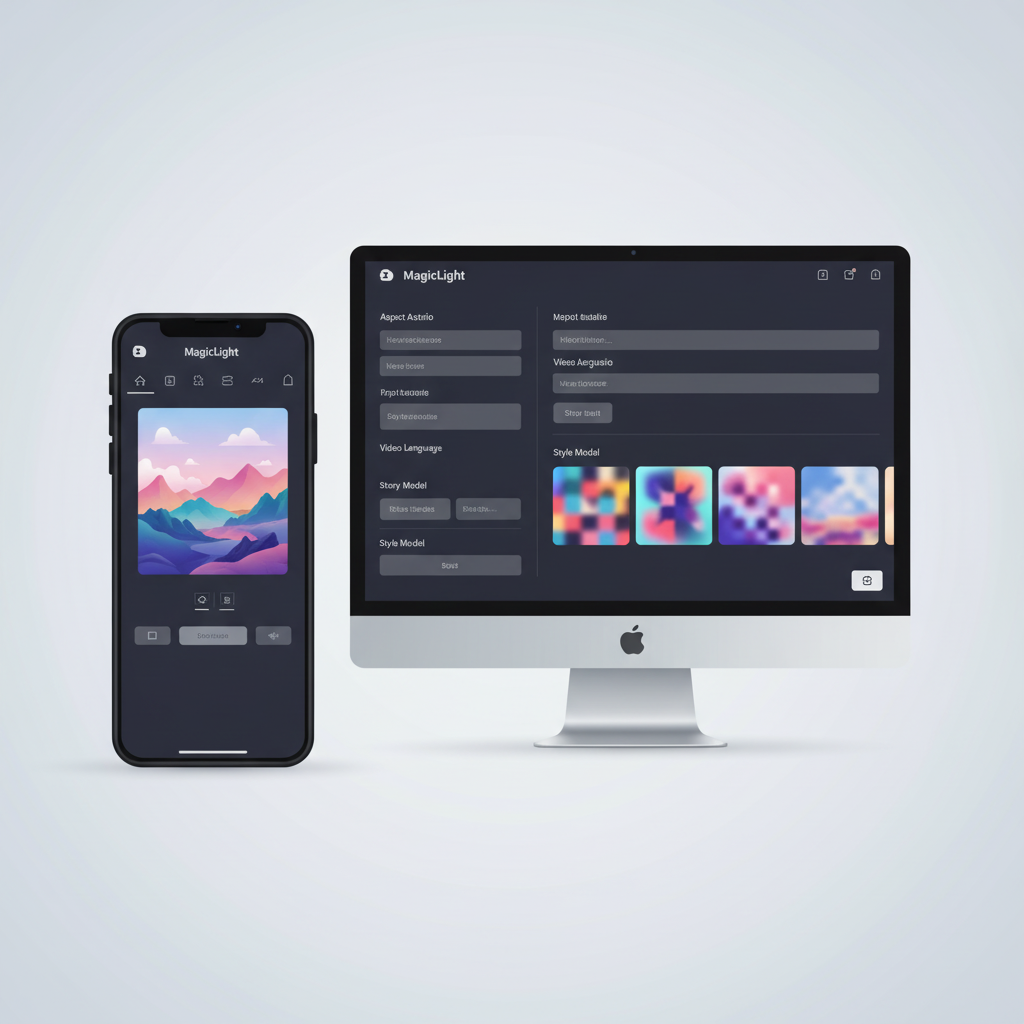
After spending time with MagicLight AI and sifting through user feedback, a clear picture of its strengths and weaknesses emerged. On the positive side, what consistently stands out is the high-quality output it can generate. Many users, myself included, have been genuinely impressed by the neatness and readiness of the videos, even those created with the free plan. This makes it incredibly appealing for anyone looking to produce polished content without a steep learning curve in traditional animation or video editing.
Another significant advantage is its beginner-friendly interface. You don't need advanced editing knowledge to start creating videos, which democratizes video production for a wider audience. The ability to create long-form content, up to 30 or even 50 minutes, is a massive draw, especially for storytellers and educators. Furthermore, the commitment to consistent characters throughout a video is a crucial feature that elevates the professional feel of the generated animations, avoiding the disjointed look often found in less advanced AI tools.
While MagicLight AI offers impressive generation capabilities, users often find themselves dedicating considerable time to post-generation refinement to truly meet their vision.
However, it's not without its drawbacks. A recurring complaint I've seen, and something I've experienced to some extent, is that the tool often doesn't quite live up to its initial advertisements. While it generates content quickly, achieving the exact vision you have can be very time-consuming due to continuous editing after the initial generation. This means while the AI does the heavy lifting, a significant amount of human intervention is still required for fine-tuning. Another common frustration among users, particularly noted on platforms like Trustpilot, is poor customer service support. This can be a major hurdle if you encounter technical issues or need assistance with your projects. Finally, the expectation versus reality gap means that while the output is good, it may not always perfectly meet the high expectations set by advertising, especially for those hoping for a truly 'one-click, perfect video' solution.
Performance and User Experience
When evaluating MagicLight AI's performance, I found a fascinating dichotomy: the initial generation is impressively efficient, but the path to a truly polished video can be quite iterative. The platform excels at converting text to video quickly, providing a solid foundation for your project. This efficiency is a huge plus for creators on a tight schedule or those who need to rapidly prototype video ideas. The quality of the generated animations is generally high, with a clean and professional look, even on the free tier.
A critical aspect of AI video generation is lip-syncing, and MagicLight AI largely delivers here. My research and personal tests indicate that it strives for dynamic lips and expressions that sync well with the generated voiceovers. The platform has even seen 'improved lip-syncing' in recent updates, which is a testament to its continuous development. This attention to detail means fewer 'weird faces' or 'uncanny glitches,' resulting in more believable and engaging character interactions.
From a user experience perspective, the interface is undeniably beginner-friendly. Its UI simplicity is a major advantage, making it accessible to individuals without prior video editing experience. The intuitive layout allows you to navigate through features like camera angle adjustments, lighting cues, and transitions without feeling overwhelmed. While the AI does a lot, the 'director-level controls' offer enough levers for you to influence the final output, striking a good balance between automation and creative freedom. However, it's worth noting that while the interface is easy to grasp, mastering the nuances of those controls to achieve very specific artistic visions still requires some dedication and practice, which contributes to the 'time-consuming editing' often mentioned in user feedback.
Who is MagicLight AI For? Use Cases
MagicLight AI is clearly designed with a broad spectrum of content creators in mind, aiming to simplify video production for those who might not have extensive technical skills or resources. Based on its features and user feedback, I see it as an excellent tool for individual content creators and YouTubers looking to produce viral clips, educational content, or even entire faceless AI video series. Its ability to handle consistent characters and long-form content makes it ideal for building a narrative-driven channel without needing to appear on camera yourself.
Authors and storytellers will find immense value in MagicLight AI's capacity to instantly convert novels or scripts into animated videos. Imagine taking your written fiction and bringing it to life visually with minimal effort—this tool makes that a tangible reality. Similarly, educators can transform dry lessons into engaging, animated content that captivates students and enhances learning, boosting attention in a way traditional lectures often cannot.
For marketers and small teams, MagicLight AI offers a cost-effective way to create explainer videos, ad-ready content, and promotional material. Its ability to generate diverse visuals and integrate them into motion quickly means businesses can produce compelling marketing assets without hiring expensive animation studios. Specific applications include creating children's stories, ads, love stories, religious narratives, or even professional-looking AI films. Essentially, if you have an idea, script, or story and want to visualize it in animated form without getting bogged down by complex video production software, MagicLight AI provides a powerful and accessible solution.
MagicLight AI Alternatives and Comparisons
In the rapidly evolving landscape of AI video generation, MagicLight AI certainly has its place, but it's far from the only player. When considering alternatives, several tools come to mind, each with its own strengths and weaknesses. MagicLight AI itself draws inspiration from and aims to match the feel of cutting-edge tools like PixVerse, Sora, Luma, Viggle, and Hailuo. These are generally at the forefront of AI video generation, often pushing boundaries in terms of realism, complexity, and creative control.
Comparing MagicLight AI to these, I'd say MagicLight shines in its user-friendliness and its specific focus on consistent characters and long-form narrative. While tools like Sora and Luma might offer more breathtaking, hyper-realistic, or complex scene generation, they are often less accessible or still in limited access. MagicLight offers a more practical, readily available solution for everyday content creation, especially for animated styles. You can see how it stacks up against alternatives on Top10k.
A more direct comparison for many users would be with traditional video editing software that has integrated AI features, such as Wondershare Filmora. Filmora, for instance, is often highlighted as a top alternative for creators who need more granular editing control and don't want to be limited by a credit-based system. While MagicLight provides efficient text-to-video animation within a cloud-based, credit-limited environment, Filmora offers frame-by-frame control, extensive editing capabilities, and a different pricing model. So, if your primary need is quick, AI-driven animation from text with consistent characters, MagicLight is excellent. But if you require deep, manual editing, intricate post-production, and full creative command over every single frame, a tool like Filmora might be a better fit, albeit with a steeper learning curve for its traditional editing features.
Is MagicLight AI Worth It? The Verdict
After thoroughly exploring MagicLight AI, weighing its features, pricing, and the chorus of user feedback, my verdict is that it offers significant value, but with specific considerations. For many users, especially individual content creators, YouTubers, authors, and educators looking to dip their toes into AI-powered video, MagicLight AI is definitely worth trying. Its beginner-friendly interface and the ability to generate high-quality, long-form animated content with consistent characters are genuinely impressive for the price point, particularly given the quality achievable even on the free plan.
It's an 'insanely useful' tool for solo creators who need to quickly transform ideas or scripts into visual stories without the steep learning curve or high costs associated with traditional animation. If your goal is to create faceless AI videos, children's stories, explainer content, or simply animate your written work, MagicLight AI provides a powerful and accessible platform to do so. The sheer speed at which it can generate a video draft from text is a huge time-saver.
However, it's crucial to manage expectations. While MagicLight AI excels at initial generation, the common complaint about it being 'very time-consuming due to continuous editing' holds true. It’s not a magic button that produces a perfect, ready-to-publish video every single time without any human input. You'll need to dedicate time to fine-tuning and editing to truly align the AI's output with your vision. The reported issues with customer service are also a point of concern that potential users should be aware of. So, if you're comfortable with a degree of post-generation refinement and prioritize ease of use and long-form animation, MagicLight AI is a strong contender. But if you're seeking a truly 'one-click, no-edit' solution or depend heavily on robust customer support, you might find yourself a little frustrated.
Full profile and live ranking: https://top10k.com/ai/magiclight
Published by

Meet Top10k Tools — an all-in-one online toolkit offering a wide range of free utilities built to boost productivity.
The platform covers content optimization, image processing, programming, calculations, and workflow tasks. Each tool runs right in the browser, making them quick to access anywhere.
The long-term vision is building 10,000 free mini tools people actually need.
Great for marketers, coders, students, and entrepreneurs, the right tool is just a click away. Find your next favorite tool.
Frequently asked questions
How much does MagicLight AI cost?
MagicLight AI operates on a credit-based system with various tiers. While specific plan names vary, prices generally range from approximately $8 to $30 per month, depending on the features and credit allowance you need. There is also a free plan available for testing and basic use.
Is there a free version of MagicLight AI? What are its limitations?
Yes, MagicLight AI offers a free plan that allows users to generate videos without a credit card. While the free plan can produce high-quality videos, it typically comes with limitations such as shorter video lengths, watermarks, or restricted access to advanced features and character styles compared to paid subscriptions.
What are some alternatives to MagicLight AI?
MagicLight AI draws inspiration from tools like PixVerse, Sora, Luma, Viggle, and Hailuo. For users seeking more granular editing control and a different pricing model, traditional video editing software with integrated AI features, such as Wondershare Filmora, can be a suitable alternative.
Is MagicLight AI easy to use for beginners?
Yes, MagicLight AI is widely praised for its beginner-friendly interface and UI simplicity. You don't need advanced video editing knowledge to start creating videos, as the platform automates much of the generation process, making it accessible for new users.
Is MagicLight AI worth the investment?
For individual content creators, YouTubers, authors, and educators looking for an accessible way to create high-quality, long-form animated videos with consistent characters, MagicLight AI is generally worth trying. However, be prepared for some post-generation editing and note the reported limitations in customer service.
How long can videos be with MagicLight AI?
MagicLight AI is capable of generating impressively long videos. It can create complete AI videos that range from 30 minutes, with some sources indicating a capacity of up to 50 minutes, making it suitable for narrative-driven and educational content.
Does MagicLight AI maintain consistent characters?
Yes, a key feature of MagicLight AI is its ability to maintain consistent characters throughout a video. Users can upload photos to create character profiles, and the AI engine ensures dynamic lips, expressions, and consistent visual identity across scenes, avoiding common glitches seen in other AI tools.